Building a 'Voice-First' UI: Challenges in Latency and Interrupts
Building a 'Voice-First' UI: Challenges in Latency and Interrupts
1. Introduction: The Uncanny Valley of Audio Latency
Imagine you are standing on a canyon edge, shouting across to a friend. You yell, "Hello!" and wait. Two seconds later, the echo returns. It is a natural physical phenomenon, dictated by the speed of sound (). We accept this latency in nature. However, place that same delay inside a conversation with a digital assistant, and the illusion of intelligence collapses instantly.
The human brain is conditioned to conversational turn-taking dynamics that operate on the order of milliseconds. In linguistics, the gap between one person stopping and another starting—the "floor transfer offset"—averages around 200 milliseconds across most languages. Yet, the current architecture of most voice agents (Wake Word Cloud STT LLM Inference Cloud TTS Audio Stream) often introduces latencies ranging from 1.5 to 4 seconds. This is not just a lag; it is an eternity in the context of human social signaling.
Even more critical than latency is the ability to interrupt. In a heated debate or a collaborative working session, we do not wait for our counterpart to finish a paragraph before interjecting. We overlap. We "barge in." Traditional state-machine based voice UIs lock the system into a "Speaking" state, rendering the microphone deaf until the system finishes its sentence. This results in the frustrating experience of shouting "Alexa, stop!" at a plastic puck that refuses to listen until it's done reading the weather.
This article targets the senior software engineer and systems architect. We will dismantle the generic "chatbot" architecture and rebuild a full-duplex, interruptible voice engine. We will explore the physics of audio buffers, the mathematics of Voice Activity Detection (VAD), and the TypeScript implementation of a latency-optimized, interrupt-ready audio pipeline. We aren't just building a bot that speaks; we are engineering a system that knows when to shut up.
2. Theoretical Foundation: The Physics of Turn-Taking
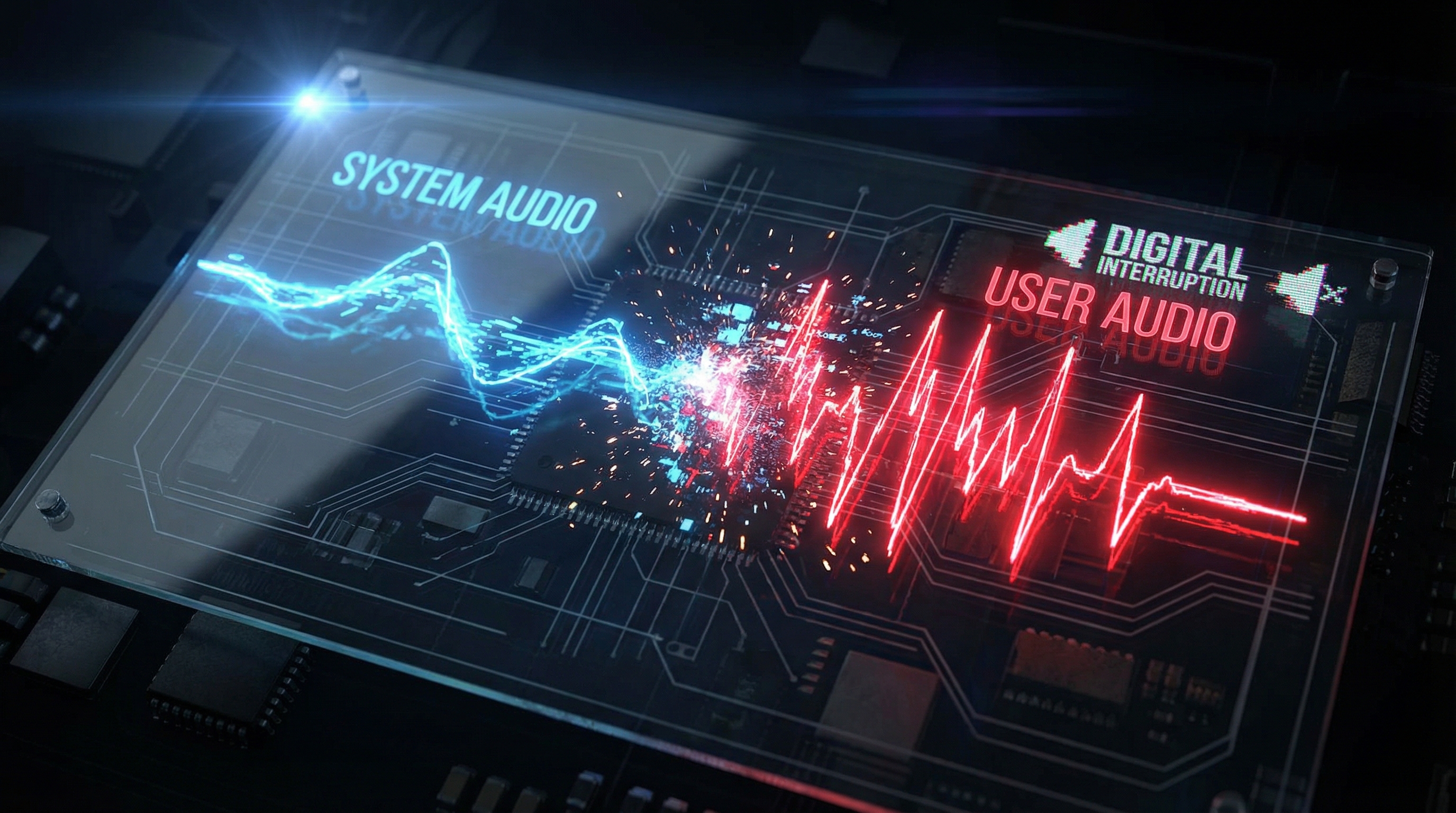
To engineer a natural voice interface, we must first model the problem through the lens of signal processing and control theory. The core challenge of "barge-in" (interruption) is essentially a race condition between the Output Audio Stream (System TTS) and the Input Audio Stream (User Voice).
2.1 Acoustic Echo Cancellation (AEC) and The Feedback Loop
When a device plays audio (TTS) while listening for interruptions, the microphone captures both the user's voice and the device's own output. Without Acoustic Echo Cancellation (AEC), the system hears itself, sends that audio to the STT (Speech-to-Text) engine, and potentially enters a recursive feedback loop—the machine talking to itself.
Mathematically, the signal received by the microphone is:
Where:
- is the desired source (user's voice).
- is the far-end signal (system TTS).
- represents the room impulse response (reflections/echo).
- is background noise.
Our goal in software is to isolate . While modern hardware (like the mic arrays in iPhones) handles linear AEC, software-based "barge-in" requires logical signal discrimination. We must determine if the energy in specific frequency bands exceeds a dynamic threshold attributable to the user.
2.2 The Latency Budget
In a voice-first UI, latency is cumulative. The Total Turn-Around Time () is defined as:
Where:
- : Time to detect end-of-speech (silence).
- : Automatic Speech Recognition processing time.
- : Time to First Token (TTFT) from the Large Language Model.
- : Time to generate the first audio byte.
- : Client-side audio buffering.
To achieve a "conversational" feel, must be . Standard HTTP Request/Response cycles fail here. We must utilize WebSocket streams (specifically full-duplex) to pipeline these operations. The moment the STT predicts a finalized sentence, the LLM should already be inferring, and the TTS should be streaming raw PCM data before the sentence is fully generated.
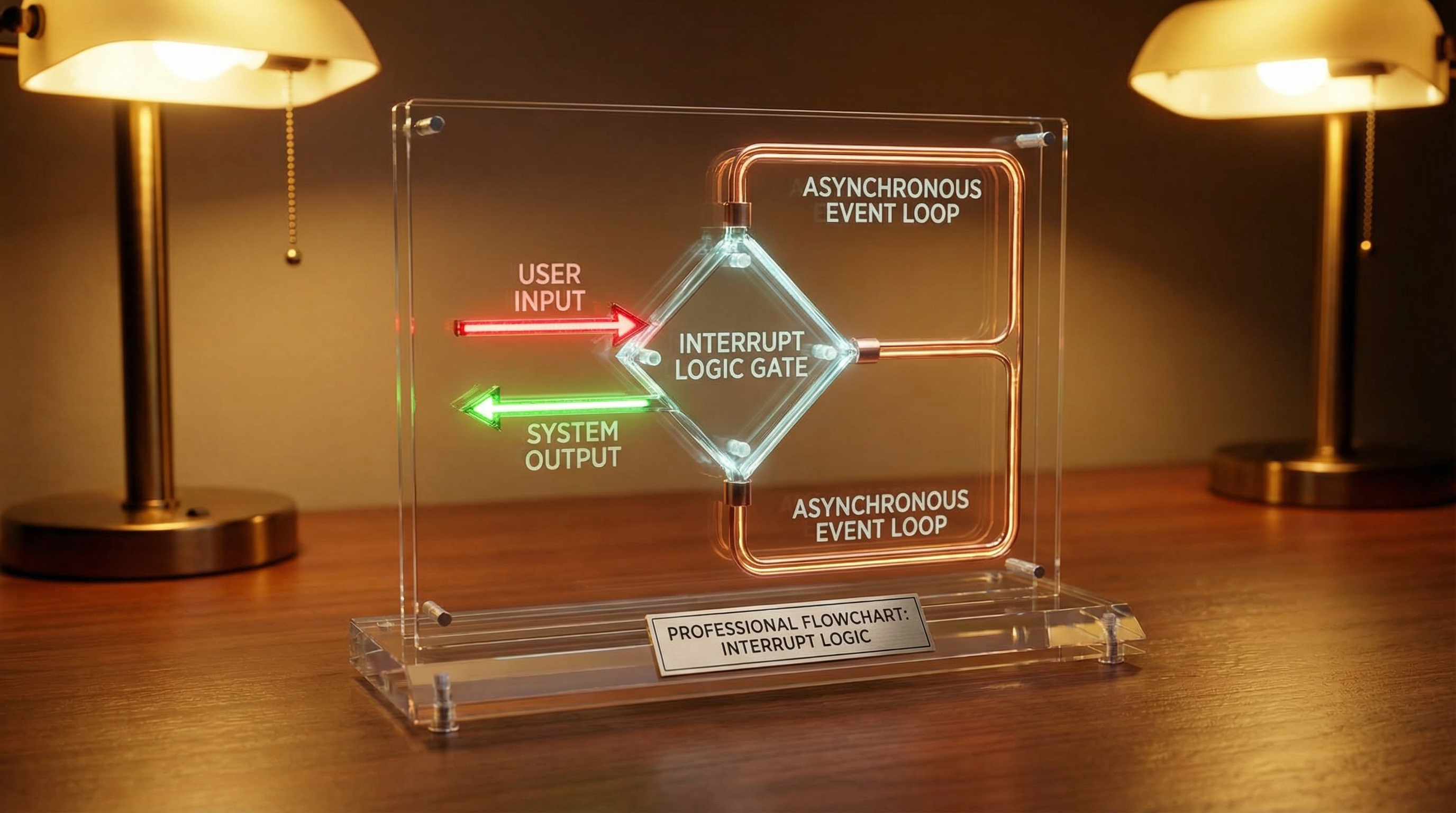
2.3 The Interrupt Logic Gate
Theoretical implementation of interrupts requires a state machine where the transition from state: SPEAKING to state: LISTENING is not sequential, but concurrent. We need an Asynchronous Event Loop that prioritizes the input_detected event above the audio_buffer_drain operation. This is similar to handling hardware interrupts in embedded systems logic—the main execution thread (TTS playback) must be preempted immediately upon a high-priority signal (VAD trigger).
3. Implementation Deep Dive
We will implement a Voice UI Controller in TypeScript. This implementation assumes a WebSocket connection to a backend that handles the heavy lifting (OpenAI Realtime API or a custom Python twisted server), but the client-side orchestration is where the magic happens.
3.1 The Audio Graph and Analyzer
First, we establish the Web Audio API context. We need to tap into the microphone stream to perform client-side VAD. Sending silence to the server wastes bandwidth and increases latency.
/**
 * AudioContextManager: Manages the Web Audio API Graph
 * for full-duplex communication.
 */
class AudioContextManager {
  private context: AudioContext;
  private analyser: AnalyserNode;
  private microphone: MediaStreamAudioSourceNode | null = null;
  private ttsQueue: Float32Array[] = [];
  private isPlaying: boolean = false;
  private nextStartTime: number = 0;

  constructor() {
    // Initialize AudioContext with low latency preference
    this.context = new (window.AudioContext || (window as any).webkitAudioContext)({
      latencyHint: 'interactive',
      sampleRate: 24000, // Optimize for voice bandwidth
    });
    this.analyser = this.context.createAnalyser();
    this.analyser.fftSize = 512;
    this.analyser.smoothingTimeConstant = 0.1; // Fast reaction time
  }

  /**
   * Initializes the microphone stream and attaches the analyzer
   */
  async initializeInput(): Promise<void> {
    try {
      const stream = await navigator.mediaDevices.getUserMedia({
        audio: {
          echoCancellation: true, // Hardware AEC
          noiseSuppression: true,
          autoGainControl: true
        }
      });

      this.microphone = this.context.createMediaStreamSource(stream);
      this.microphone.connect(this.analyser);
      // Do not connect mic to destination, or user will hear themselves
    } catch (err) {
      console.error("Microphone initialization failed", err);
      throw err;
    }
  }

  getAnalyserNode(): AnalyserNode {
    return this.analyser;
  }
}
3.2 Client-Side Energy-Based VAD (The Interrupt Trigger)
We need a lightweight VAD to detect when the user starts speaking while the machine is talking. If this triggers, we kill the machine's audio immediately.
/**
 * Detects voice activity based on RMS (Root Mean Square) energy.
 * If energy exceeds threshold, triggers the interrupt callback.
 */
class VoiceActivityDetector {
  private readonly threshold: number = 0.02; // Tune based on environment
  private readonly bufferSize: number = 2048;
  private isSpeaking: boolean = false;

  constructor(
    private analyser: AnalyserNode,
    private onSpeechStart: () => void,
    private onSpeechEnd: () => void
  ) {
    this.monitor();
  }

  private monitor = () => {
    const dataArray = new Float32Array(this.analyser.fftSize);
    this.analyser.getFloatTimeDomainData(dataArray);

    let sum = 0;
    for (let i = 0; i < dataArray.length; i++) {
      sum += dataArray[i] * dataArray[i];
    }
    const rms = Math.sqrt(sum / dataArray.length);

    if (rms > this.threshold && !this.isSpeaking) {
      this.isSpeaking = true;
      console.log("[VAD] User started speaking - INTERRUPT SIGNAL");
      this.onSpeechStart();
    } else if (rms < this.threshold * 0.8 && this.isSpeaking) {
      // Hysteresis to prevent flickering
      this.isSpeaking = false;
      this.onSpeechEnd();
    }
requestAnimationFrame(this.monitor);
}; }
### 3.3 The Interrupt Handler (Barge-In Logic)

This is the critical component. When the VAD triggers, we must:
1. Stop the current audio source node.
2. Clear any buffered audio chunks waiting in the queue.
3. Send a message to the server to cancel the current inference generation.

```typescript
class VoiceOrchestrator {
  private audioManager: AudioContextManager;
  private vad: VoiceActivityDetector;
  private activeSourceNode: AudioBufferSourceNode | null = null;
  private audioQueue: AudioBuffer[] = [];
  private socket: WebSocket;
  private systemState: 'IDLE' | 'LISTENING' | 'THINKING' | 'SPEAKING' = 'IDLE';

  constructor(socketUrl: string) {
    this.audioManager = new AudioContextManager();
    // Initialize WebSocket...
    this.socket = new WebSocket(socketUrl);

    // Setup VAD with the Interrupt Callback
    this.vad = new VoiceActivityDetector(
      this.audioManager.getAnalyserNode(),
      this.handleUserInterruption, // The barge-in function
      this.handleUserSilence
    );
  }

  /**
   * CRITICAL: This function executes when user speaks over the bot.
   */
  private handleUserInterruption = (): void => {
    if (this.systemState === 'SPEAKING') {
      console.warn("User barged in! Killing audio pipeline.");

      // 1. Stop the currently playing audio immediately
      if (this.activeSourceNode) {
        try {
          this.activeSourceNode.stop();
        } catch (e) { /* Ignore if already stopped */ }
        this.activeSourceNode = null;
      }

      // 2. Clear the client-side buffer queue
      this.audioQueue = [];

      // 3. Tell the backend to stop generating tokens/audio
      this.socket.send(JSON.stringify({ type: 'interrupt_signal' }));

      // 4. Update state
      this.systemState = 'LISTENING';
    }
  };

  /**
   * Plays audio chunks streaming from the server.
   * This needs to be interruptible.
   */
  public queueAudioChunk(pcmData: Float32Array) {
    if (this.systemState === 'LISTENING') return; // Drop packets if we were just interrupted

    // Convert PCM to AudioBuffer and schedule playback...
    // (Implementation omitted for brevity, involves audioContext.createBuffer)
  }
}
3.4 WebSocket Stream Management
To minimize latency, we cannot wait for a full MP3 file. We must stream raw PCM (Pulse Code Modulation) data (usually 16-bit, 24kHz or 48kHz). This removes the overhead of encoding/decoding on every chunk.
// Server-side simulation (Node.js/Bun)
ws.on('message', (message) => {
  const event = JSON.parse(message);

  if (event.type === 'interrupt_signal') {
    // Kill the LLM stream
    llmStream.cancel();
    // Kill the TTS stream
    ttsStream.destroy();
    console.log("Server pipeline flushed.");
    return;
  }

  if (event.type === 'audio_input') {
    // Feed to STT
    sttService.push(event.payload);
  }
});
4. Advanced Techniques & Optimization
Once the basic pipeline is functioning, we move to optimization. The difference between a "good" demo and a production-grade application lies in how you handle edge cases and network jitter.
4.1 Speculative Execution (Optimistic UI)
In standard interfaces, Optimistic UI means showing a "Like" heart before the API returns 200 OK. In Voice UI, this translates to Backchanneling. When the VAD detects the user has finished a sentence, do not wait for the LLM. Immediately play a pre-cached filler sound like "Hmm," "Okay," or "Let me check." This buys the LLM 500-800ms of processing time while keeping the user engaged. It masks the latency of the "thinking" phase.
4.2 Semantic vs. Acoustic Interruption
A naive VAD triggers on any noise. If the user coughs, or a door slams, the bot stops talking. This is a poor user experience. Advanced implementations use a secondary, small-model classifier (like a tiny BERT model or a specialized audio event classifier running via WebAssembly/ONNX Runtime in the browser) to distinguish Speech from Non-Speech Noise.
If the classifier detects "Cough" or "Background Noise," the Interrupt Handler ignores the signal. If it detects "Speech," it executes the barge-in logic. This adds roughly 20-50ms of processing latency but significantly increases robustness.
4.3 Jitter Buffering
Network packets do not arrive in perfect order. If you play audio chunks immediately upon arrival, you risk "glitches" or silence gaps if the next packet is delayed. You need a dynamic Jitter Buffer. Start with a buffer of 60ms. If network variance increases, expand the buffer to 120ms. This adds latency but ensures smooth audio. The trick is to flush this buffer instantly upon interruption.
5. Real-World Applications
Where is this level of engineering actually required?
1. Automotive Voice Assistants: When driving at 70mph, a driver cannot look at a screen. If the car's assistant starts reading a long text message, the driver must be able to shout "Reply!" or "Skip!" instantly. A 2-second latency in obeying a "Stop" command can result in missed turns or driver distraction. The interrupt logic here is a safety feature, not just UX.
2. Medical Dictation and Surgery: Surgeons using voice controls for robotic arms or data retrieval cannot wait for the system to finish a sentence. They require "command and control" precision. If a surgeon says "Stop moving," the system must interrupt its own confirmation message and halt the motor immediately.
3. High-Volume Customer Support: In automated phone systems (IVR), the most hated feature is the inability to interrupt the menu options. "Listen closely as our menu options have changed..." is a sentence that causes user rage. A barge-in enabled system allows the user to say "Billing" immediately, skipping the 30-second preamble. This reduces Average Handle Time (AHT) and increases CSAT scores.
6. External Reference & Video Content
For those wishing to visualize these concepts, I highly recommend watching the industry standard talks on "Voice Interface Design" (often found in Google I/O or Apple WWDC archives). These videos typically illustrate the "Turn-Taking" graph visually.
A key takeaway from these visual breakdowns is the concept of the Conversation State Graph. They visualize how the system must maintain two parallel states: the "Mental Model" (what the bot thinks is happening) and the "Physical State" (what is actually playing out of the speakers). The divergence between these two states is where bugs occur. For instance, the video summaries often highlight that while the LLM has generated a full paragraph, the TTS has only played the first sentence. When an interrupt happens, the system must discard the future text that the user never heard, rather than feeding it back into the context window as "history." If you don't prune the history, the LLM will hallucinate a conversation that never physically occurred.
7. Conclusion & Next Steps
Building a voice-first UI is not about connecting APIs; it is about managing time. It requires a shift from Request/Response architectures to Stream/Event architectures. We must treat audio not as a file, but as a flow of water that needs to be valved and diverted in real-time.
Key Takeaways:
- Latency is the enemy of empathy. Keep Total Turn-Around Time under 700ms.
- VAD is your trigger. Implement client-side energy detection to handle interruptions locally before the network even knows.
- State Management is critical. You must handle the race condition where the bot thinks it's talking, but the user has already taken the floor.
- Full Duplex is mandatory. Use WebSockets for bi-directional streaming of PCM data.
Next Steps:
Start by building the AudioContextManager provided in the code section. Don't worry about the LLM yet. Just try to build a system that can play a generic audio file and stop it instantly (within 50ms) when you clap your hands. Once you master the interrupt, the rest is just API plumbing.
For further reading, investigate WebRTC Data Channels for even lower latency transport than WebSockets, and look into ONNX Runtime Web for running noise-gate models directly in the browser.
Web Speech API - Voice Recognition in JavaScript
A comprehensive tutorial on building voice-first interfaces using the Web Speech API, covering voice recognition, synthesis, and handling latency challenges in web applications.