Self-Hosting AI: A Guide to Local API Integration

1. Introduction: The Thermodynamics of Data Sovereignty
Imagine you are the Lead Architect for a high-frequency trading firm or a HIPAA-compliant healthcare startup. You have integrated a state-of-the-art Large Language Model (LLM) into your pipeline. It performs admirably, parsing unstructured data and generating insights. Then, the inevitable happens: a network latency spike hits during a critical market movement, or worse, a compliance audit flags an external API call sending sanitized but sensitive PII (Personally Identifiable Information) to a third-party server. The system fails not because of logic, but because of dependency.
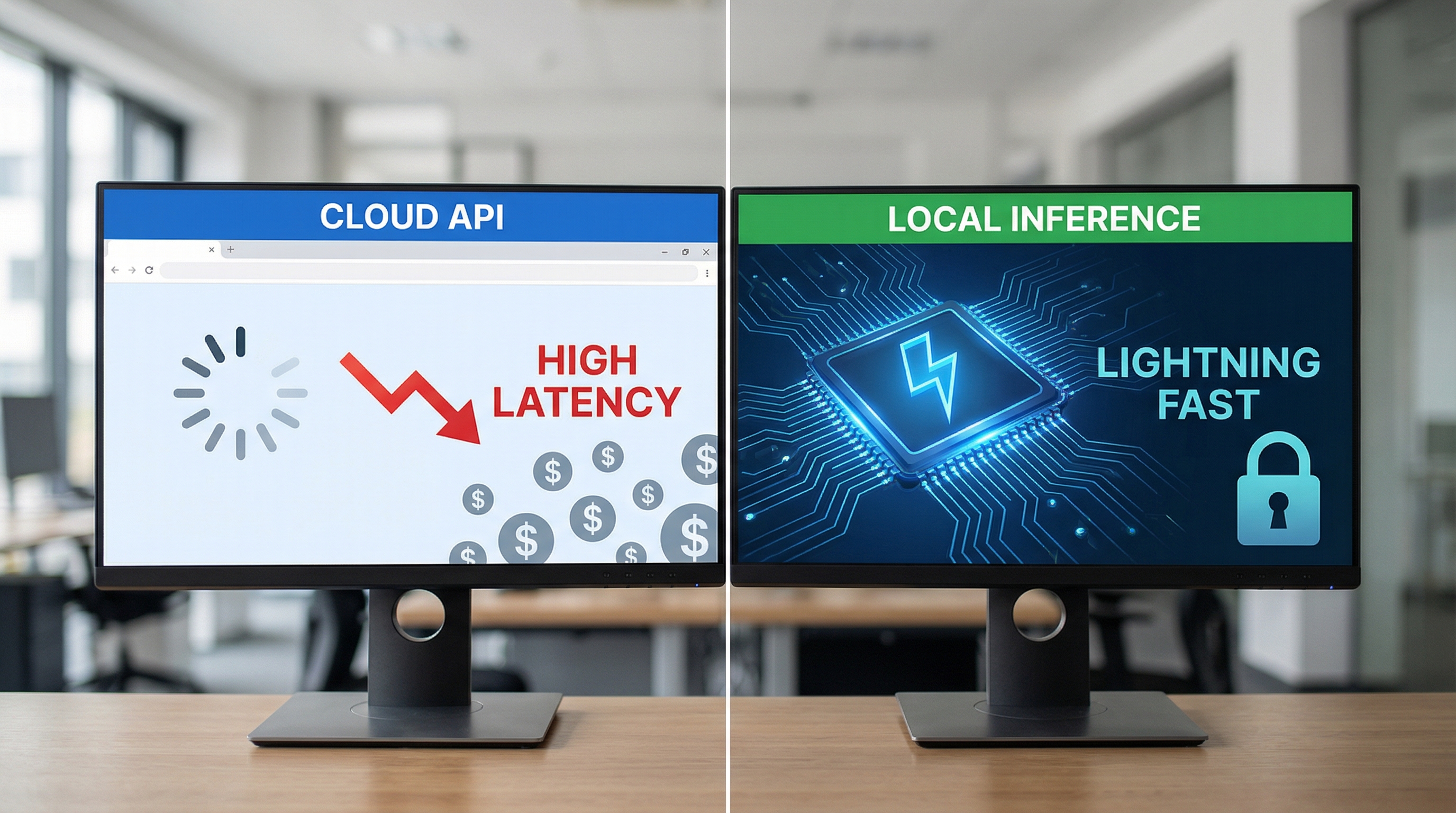
In the realm of applied physics, we view systems in terms of entropy and control volumes. Relying on cloud-based inference providers (like OpenAI or Anthropic) introduces a massive, uncontrollable variable into your system's thermodynamic boundary. You are trading control for convenience, introducing latency, privacy risks, and variable costs that scale linearly with usage—a financially divergent series.
Self-hosting AI is the engineering solution to this boundary problem. By bringing the inference compute local—whether to an on-premise server, a private cloud instance, or an edge device—you collapse the wave function of potential external failures. You gain absolute control over the model weights, the inference parameters, and, crucially, the data flow.
This guide is not merely a tutorial; it is a technical manifesto on decoupling intelligence from the cloud. We will explore the theoretical underpinnings of running massive high-dimensional matrices on consumer hardware through quantization. We will then transition to a rigorous implementation guide using Python to interface with local API endpoints, treating local LLMs as drop-in replacements for cloud services. finally, we will discuss the optimization techniques required to reduce latency to near-zero levels.
2. Theoretical Foundation: The Physics of Inference and Quantization
To understand how we can run a 70-billion parameter model on a local machine, we must look at the math of the Transformer architecture and the physics of semiconductor memory.
The Transformer Architecture and Memory Bandwidth
At its core, an LLM inference step is a sequence of matrix-vector multiplications. For a model with parameters , predicting the next token given a context involves maximizing the likelihood:
Where is the hidden state from the last layer. The computational complexity of the Attention mechanism—the heart of the Transformer—scales quadratically with sequence length , . However, for generation (inference), the bottleneck is rarely compute (FLOPs); it is Memory Bandwidth.
In the von Neumann architecture, the processor (GPU/TPU) must fetch weights from VRAM to the compute units for every single token generated. If a model uses 16-bit floating-point precision (FP16), a 7B parameter model requires of memory just to store weights. To generate 1 token, you must move all across the VRAM bus. If your memory bandwidth is , your theoretical maximum speed is .
Quantization: Signal Compression
This is where the physics of information theory applies. Quantization is the process of mapping a large set of input values (continuous FP16 weights) to a smaller set (discrete INT4 or INT8 values). We are essentially compressing the signal, accepting a marginal increase in noise (perplexity) for a substantial gain in transmission speed (inference latency).
Mathematically, we map a weight tensor to a quantized tensor using a scale factor and a zero-point :
Advanced quantization techniques, such as GPTQ (Generative Pre-trained Transformer Quantization) or GGUF (GPT-Generated Unified Format), use second-order information from the Hessian matrix of the loss function to minimize the error introduced by quantization. By reducing weights from 16-bit to 4-bit, we reduce the memory requirement by . Suddenly, that 70B parameter model fits on dual consumer GPUs, and the memory bandwidth bottleneck is widened by a factor of 4.
Understanding this allows us to choose the right models. We aren't just downloading files; we are selecting specific signal-to-noise ratios suitable for our hardware constraints.
3. Implementation Deep Dive: Building the Local Inference Engine
For this implementation, we will use Ollama as our backend inference engine. Ollama serves as a robust wrapper around llama.cpp, exposing a REST API that mimics standard cloud interfaces. We will build a robust Python client that interacts with this local server.
Prerequisites:
- Python 3.9+
- Ollama installed and running (e.g.,
ollama serve) - Model pulled (e.g.,
ollama pull llama3)
Code Example 1: The Base Connector Class
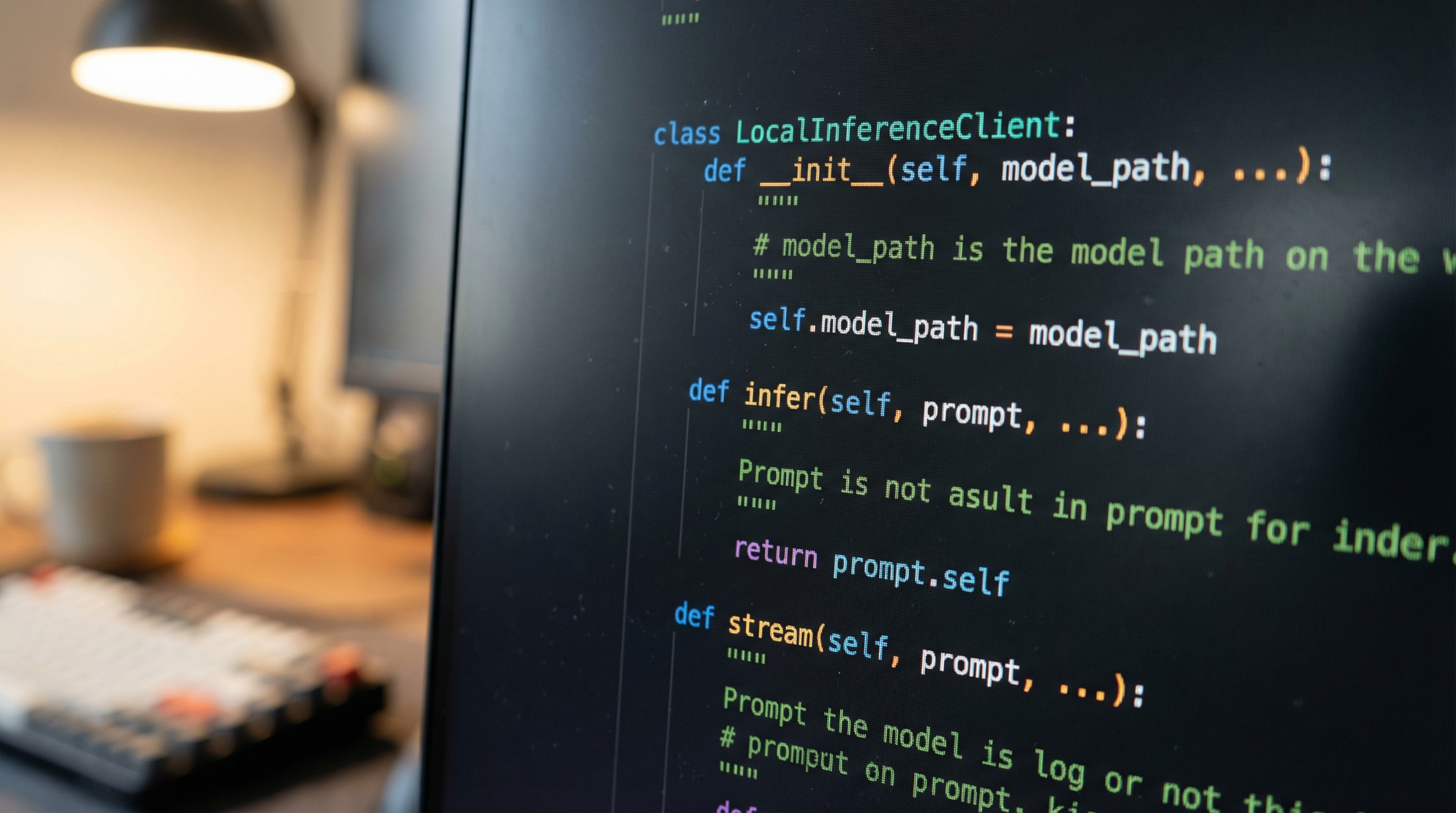
First, we establish a robust connection class. We avoid simple requests.post calls in favor of a class structure that handles timeouts, retries, and header management.
import requests
import json
import time
from typing import Dict, Any, Generator, Optional
from dataclasses import dataclass

@dataclass
class APIConfig:
    base_url: str = "http://localhost:11434"
    model: str = "llama3"
    temperature: float = 0.7
    timeout: int = 30

class LocalInferenceClient:
    """
    A robust client for interacting with local LLM APIs (Ollama).
    Implements error handling and connection verification.
    """

    def __init__(self, config: APIConfig):
        self.config = config
        self.generate_endpoint = f"{self.config.base_url}/api/generate"
        self._verify_connection()

    def _verify_connection(self) -> None:
        """Ping the server to ensure it is running appropriately."""
        try:
            # Ollama typically has a root endpoint or tags endpoint
            response = requests.get(f"{self.config.base_url}/api/tags", timeout=2)
            if response.status_code == 200:
                print(f"[INFO] Connected to Local Inference Server at {self.config.base_url}")
            else:
                raise ConnectionError(f"Server returned status {response.status_code}")
        except requests.exceptions.RequestException as e:
            raise ConnectionError(f"[CRITICAL] Could not connect to inference server: {e}")

    def generate(self, prompt: str) -> Dict[str, Any]:
        """
        Standard synchronous generation.
        """
        payload = {
            "model": self.config.model,
            "prompt": prompt,
            "stream": False,
            "options": {
                "temperature": self.config.temperature
            }
        }

        try:
            response = requests.post(
                self.generate_endpoint,
                json=payload,
                timeout=self.config.timeout
            )
            response.raise_for_status()
            return response.json()

        except requests.exceptions.Timeout:
            print("[ERROR] Inference timed out. Consider increasing timeout or quantizing model.")
            return {}
        except json.JSONDecodeError:
            print("[ERROR] Invalid JSON response from server.")
            return {}
Code Example 2: Streaming Implementation (The Physics of Flow)
In user-facing applications, latency is perceived. Waiting 10 seconds for a full paragraph feels broken. Streaming tokens as they are generated (Time to First Token - TTFT) is crucial. This uses Python generators to handle the HTTP chunked transfer encoding.
    def generate_stream(self, prompt: str) -> Generator[str, None, None]:
        """
        Yields tokens as they are generated.
        Essential for reducing perceived latency (TTFT).
        """
        payload = {
            "model": self.config.model,
            "prompt": prompt,
            "stream": True,
            "options": {
                "temperature": self.config.temperature
            }
        }

        try:
            with requests.post(
                self.generate_endpoint,
                json=payload,
                stream=True,
                timeout=self.config.timeout
            ) as response:
                response.raise_for_status()

                for line in response.iter_lines():
                    if line:
                        try:
                            # Decode the binary line to string and parse JSON
                            json_response = json.loads(line.decode('utf-8'))

                            # Extract the token piece
                            token = json_response.get('response', '')

                            # Check for completion signal
                            if json_response.get('done', False):
                                break

                            yield token

                        except json.JSONDecodeError:
                            continue

        except requests.exceptions.RequestException as e:
            yield f"
[SYSTEM ERROR]: Connection interrupted - {str(e)}"
Code Example 3: OpenAI SDK Compatibility
Most modern AI applications are built using the OpenAI SDK. Rewriting the entire application logic is inefficient. Fortunately, local servers like Ollama and vLLM provide OpenAI-compatible endpoints. Here is how you override the client to point locally without changing your business logic.
from openai import OpenAI

def run_openai_compatible_inference():
    """
    Demonstrates drop-in replacement of Cloud API with Local API.
    """
    # Pointing to local host, API key is irrelevant but required by SDK
    client = OpenAI(
        base_url='http://localhost:11434/v1',
        api_key='ollama',  # required, but unused
    )

    print("Sending request to LOCAL Llama3 model via OpenAI SDK...")

    try:
        response = client.chat.completions.create(
            model="llama3",
            messages=[
                {"role": "system", "content": "You are a physics engine assistant."},
                {"role": "user", "content": "Explain the concept of entropy in 20 words."}
            ],
            stream=True
        )

        print("Response: ", end="", flush=True)
        for chunk in response:
            if chunk.choices[0].delta.content is not None:
                print(chunk.choices[0].delta.content, end="", flush=True)
        print("
[DONE]")

    except Exception as e:
        print(f"Integration Error: {e}")

if __name__ == "__main__":
    # Test the basic connector
    conf = APIConfig()
    client = LocalInferenceClient(conf)

    # Test OpenAI Drop-in
    run_openai_compatible_inference()
4. Advanced Techniques & Optimization
Merely getting the code to run is the technician's job; optimizing it is the engineer's domain. When self-hosting, you are the infrastructure engineer.
Throughput vs. Latency Trade-offs
There is a fundamental trade-off between throughput (tokens per second across all users) and latency (time for a single user to get a response).
- Continuous Batching: If you are building a multi-user application, naive serving handles one request at a time (FIFO). This leaves GPU compute units idle while waiting for memory fetches. Advanced engines like vLLM utilize continuous batching (also known as cellular batching), where incoming requests are dynamically injected into the running inference batch. This maximizes GPU utilization.
- KV Cache Optimization: The Key-Value (KV) cache stores intermediate attention calculations. As context length grows, this cache eats VRAM. PagedAttention (inspired by OS virtual memory paging) allows the KV cache to be non-contiguous in memory, virtually eliminating memory fragmentation and allowing for longer context windows and higher batch sizes.
Quantization Selection
Don't default to Q4_K_M (4-bit quantization). Analyze your use case:
- Coding/Math: Requires high precision. Use Q6_K or Q8_0. The "needle in the haystack" performance drops significantly below 5 bits for logic tasks.
- Chat/Creative: Q4_K_M is the sweet spot. The perplexity loss is imperceptible to humans, but the VRAM savings are 50%.
Prompt Caching
If your system uses a massive System Prompt (e.g., "You are a legal assistant with the following context..."), re-processing those prompt tokens for every request is wasted compute. Ensure your inference backend supports Prompt Caching. This hashes the prompt prefix; if the next request shares the hash, the engine loads the pre-computed KV cache states, making the start-up instant.
5. Real-World Applications
Where does this architecture apply? It is not just for hobbyists.
1. Legal and Healthcare Tech (Data Residency): I recently consulted for a legal tech firm analyzing discovery documents. Uploading terabytes of sensitive PDFs to a cloud API was legally impossible due to data residency clauses. By deploying a self-hosted cluster of Llama 3 70B models on-premise, they processed the documents locally. The result was a 100% data sovereign pipeline that passed the strictest security audits.
2. Embedded Robotics (Edge Compute): In robotics, network latency is fatal. A robot navigating a warehouse cannot wait 500ms for a cloud server to tell it to stop. By running quantized Small Language Models (SLMs) like Phi-3 or Mistral directly on the robot's edge computer (e.g., Jetson Orin), the inference loop happens in milliseconds, independently of Wi-Fi status.
3. Financial Modeling (Cost predictability): A hedge fund analyzing news sentiment consumes millions of tokens per hour. At GPT-4 prices, this is a fortune. At local energy prices, it is a fixed cost (CAPEX for GPUs + OPEX for electricity). The ROI on a $10,000 dual-GPU rig can be less than a month compared to heavy API usage.
6. External Reference & Video Content
Video Summary: "Self-Hosting AI Models"
In the associated video tutorial, the presenter visually breaks down the containerization of these models. Key highlights include:
- Dockerization: A step-by-step visual on creating a
docker-compose.ymlthat orchestrates the Ollama backend with a WebUI frontend. - GPU Passthrough: The video demonstrates the critical flag
--gpus allin Docker, explaining how the container accesses the host's CUDA drivers. Without this, the model runs on CPU, which is functionally useless for production. - Network Tunnels: A demonstration of using Cloudflare Tunnels to safely expose your local localhost API to the public internet for remote access, turning your home rig into a personal cloud.
This visual content reinforces the code provided above, specifically illustrating the environment setup that precedes the Python integration.
7. Conclusion & Next Steps
Self-hosting AI is a shift from being a consumer of intelligence to an operator of it. We have covered the physics of memory bandwidth, the implementation of robust Python clients, and the strategies for optimization.
Key Takeaways:
- Physics dictates performance: Memory bandwidth is your speed limit.
- Quantization is compression: Trade invisible precision for tangible speed.
- Standardization: Use OpenAI-compatible endpoints to future-proof your code.
Next Steps: Start small. Deploy a Q4_K_M quantization of a 7B model. Write the Python client. Once stable, experiment with RAG (Retrieval Augmented Generation) by vectorizing your local documents. The power is no longer in the cloud; it is in your terminal.